AnyAiCam Ryzen appliance
AnyAiCam Residential VMS — Ryzen 5 $949.99 · Starter $1,249.99 · Professional $1,749.99 · Enterprise for commercial Face Access $2,249.99. AnyAiCam installed, licence included.
Choose your appliance
AnyAiCam VMS is designed to operate compatible security cameras from an AnyAiCam appliance. The appliance handles the local camera connection, recording and core VMS services while optional cloud services extend remote access, protected storage and analytics.
An AnyAiCam Ryzen appliance arrives with AnyAiCam installed and a licence included. If you already have suitable hardware, AnyAiCam runs on Ubuntu 24.04.
AnyAiCam Residential VMS — Ryzen 5 $949.99 · Starter $1,249.99 · Professional $1,749.99 · Enterprise for commercial Face Access $2,249.99. AnyAiCam installed, licence included.
Choose your applianceFor your own PC running Ubuntu 24.04 LTS (64-bit Intel or AMD). Requires an AnyAiCam account with a VMS licence: it comes with every AnyAiCam appliance, or buy a one-time licence for your own PC in My subscription, from $49.99 for 8 cameras (see plans).
Activating AnyAiCam needs an AnyAiCam account with a VMS licence. Installation guide
Version 1.2.4 · Ubuntu 24.04 · x86_64 · 35.3 MB · SHA-256 5eb86422fdca69412249533716e2251243a055225746c020c57b6406f3bf3077
The current AnyAiCam VMS installer for a compatible Windows PC.
Version 1.3.0 · Windows · 577.4 MB
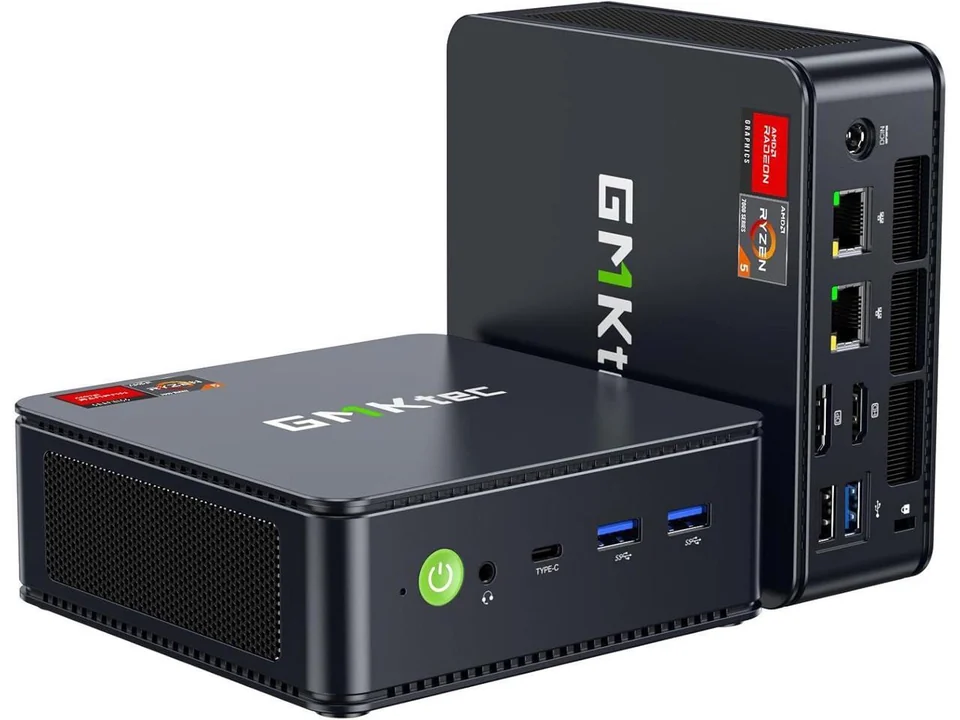 Residential VMS
Entry-level home appliance · $949.99
For homes: live view, recording, playback, events and smart alerts, plus front-door facial recognition for up to 5 household members. Kwikset / Z-Wave smart-lock unlock is coming soon. Final camera and analytics capacity is confirmed after hardware certification.
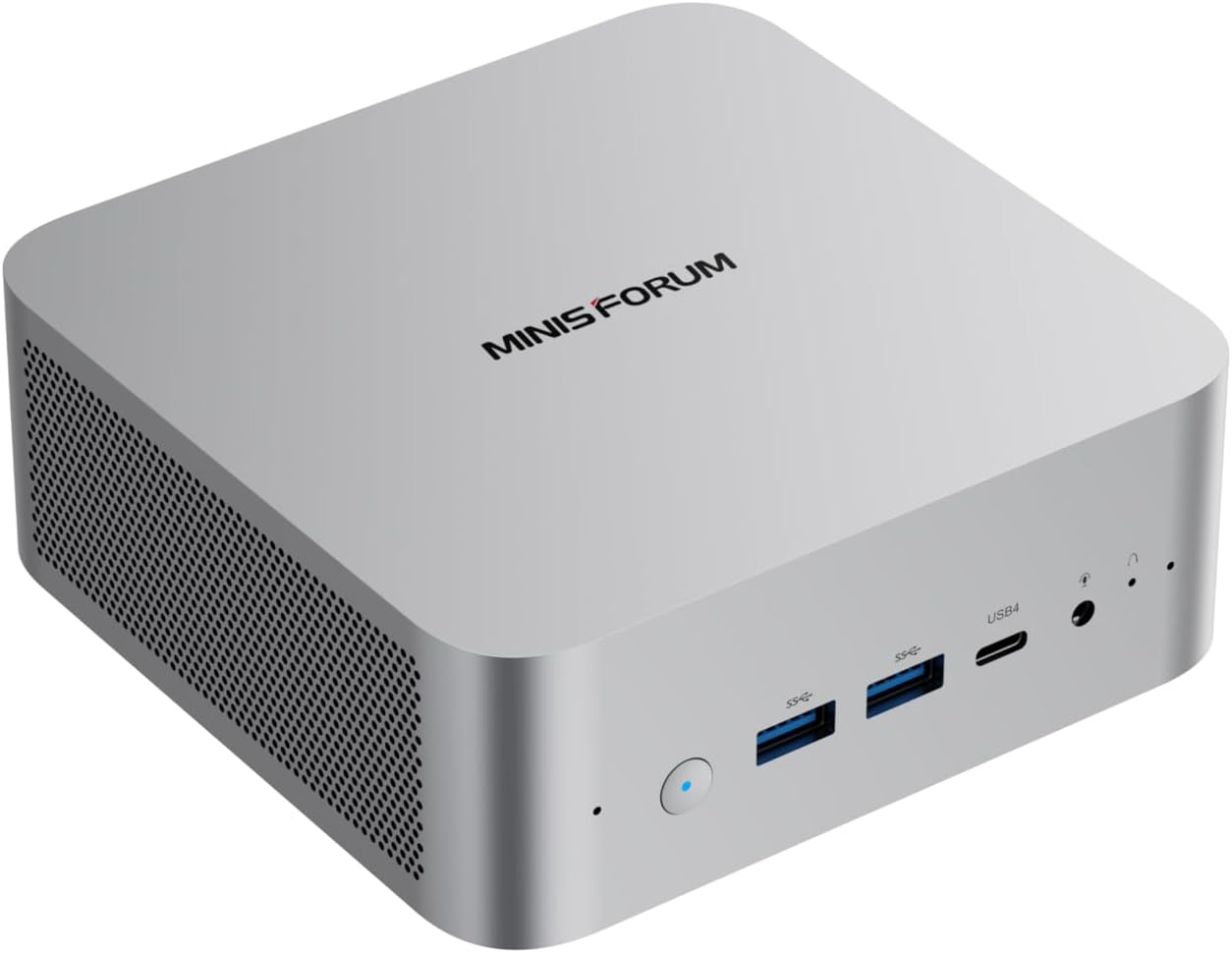 Standard VMS
MINISFORUM AI X1-255 · Ryzen 7 255 · $1,249.99
Standard VMS appliance for local recording, live view, playback and approved analytics. Recording storage is sized separately from the 1 TB system SSD.
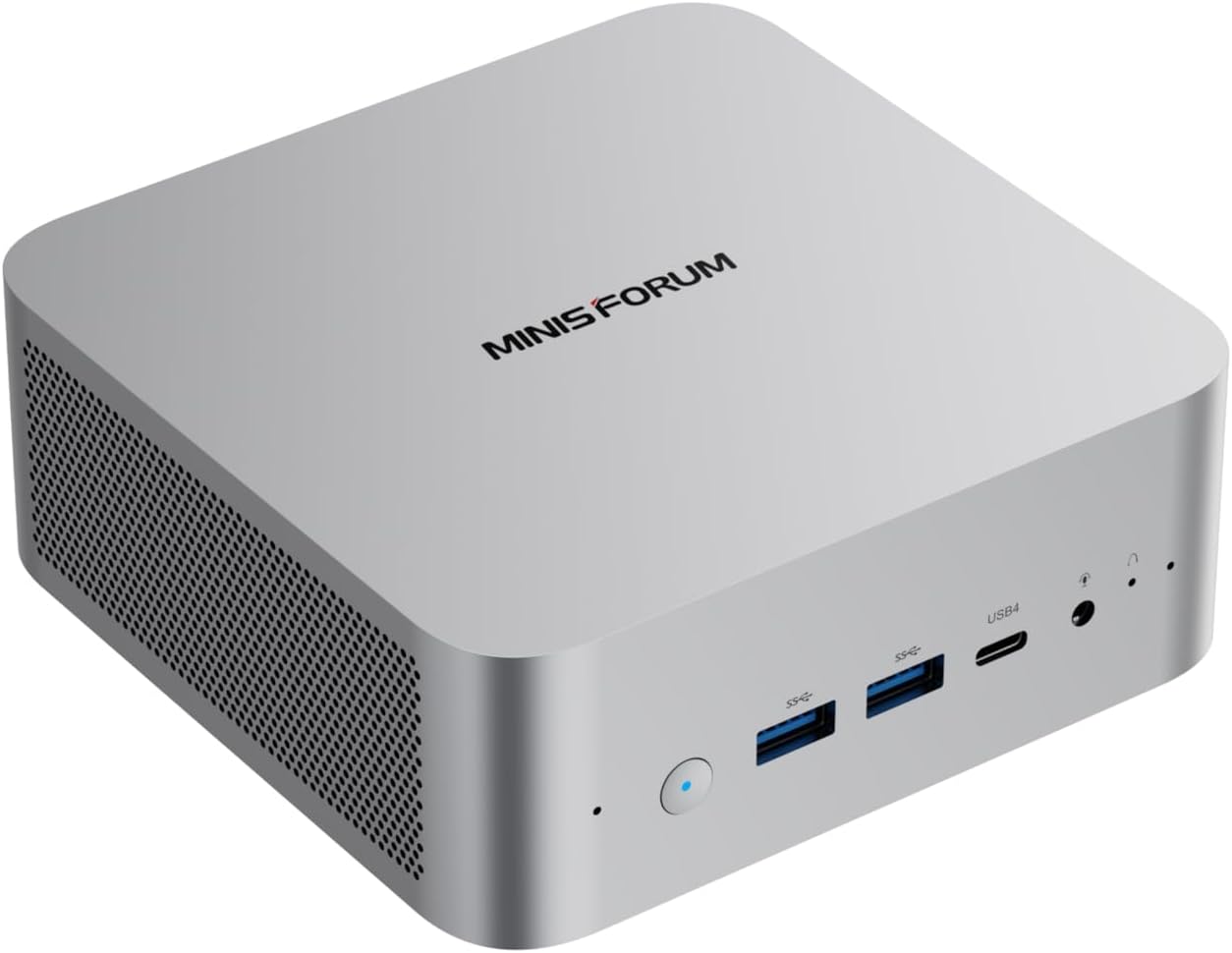 Performance VMS
MINISFORUM AI X1 · Ryzen AI 9 HX 470 · $1,749.99
Higher-performance VMS appliance for heavier analytics, concurrent workload or planned expansion. Recording storage is sized separately.
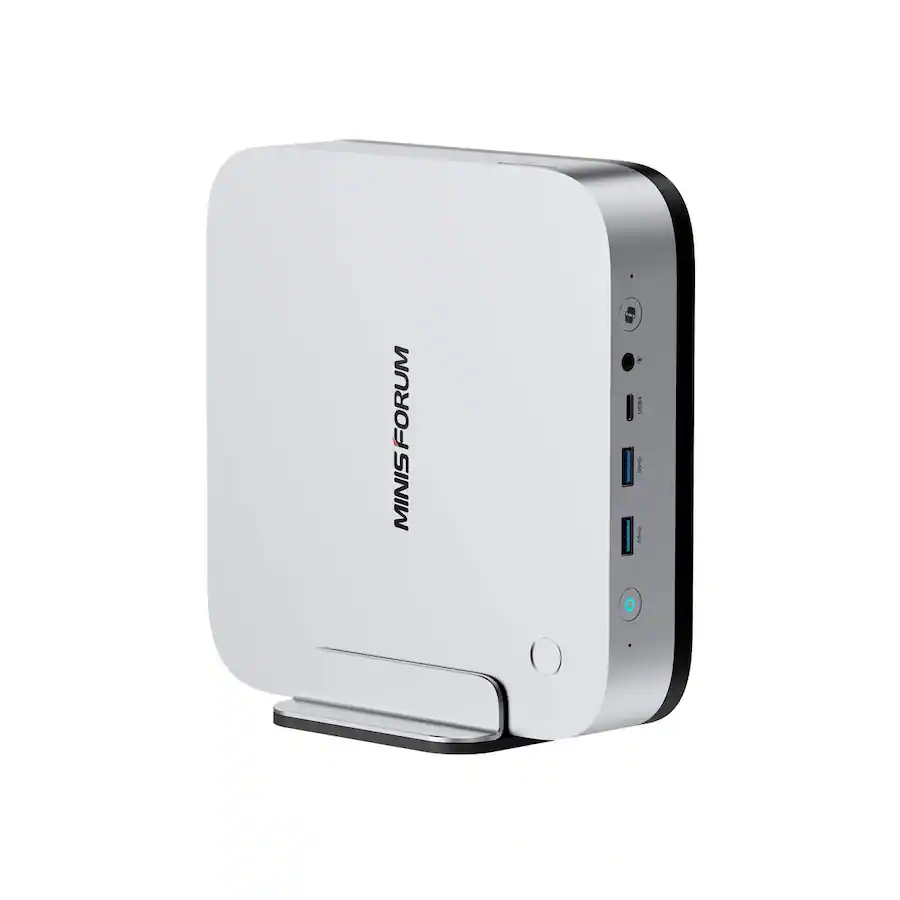 Integrated Face Access
MINISFORUM AI X1 Pro-470 · $2,249.99
Use this higher-performance tier for commercial AAC Face Access. Access-control platform integrations are coming soon. It is not the default VMS box.
The VMS is the software that turns a group of compatible cameras into one managed security system instead of a collection of separate devices.
Open authorized cameras from the AnyAiCam interface and see the current scene without logging into every camera separately.
Record video on the AnyAiCam appliance and review footage by camera and time. Hybrid cloud options can add off-site protection.
Surface motion and AI-generated events with event media so customers can move from an alert to the related video quickly.
AI Local and Hybrid plans add person and vehicle detection, Smart Motion and AI event search to every licensed camera on your account.
Keep the appliance as the operating center while using cloud services for customer access, selected media, entitlements and optional retention.
Associate customers, sites, appliances and camera entitlements so the system can be supported without rebuilding it for every new installation.
Open any camera live in full size, or go back through the day on a timeline that marks every person, vehicle and motion event.
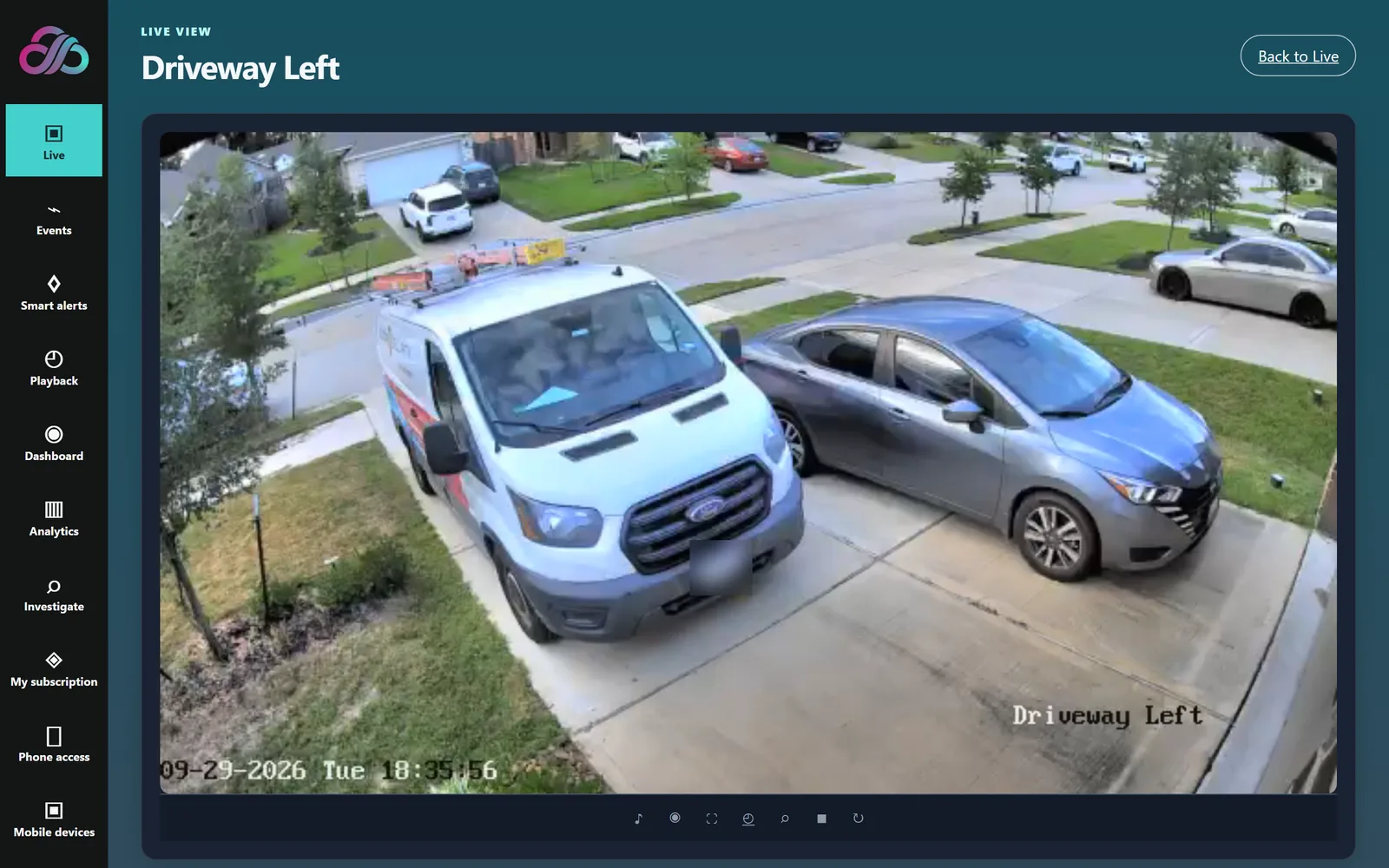
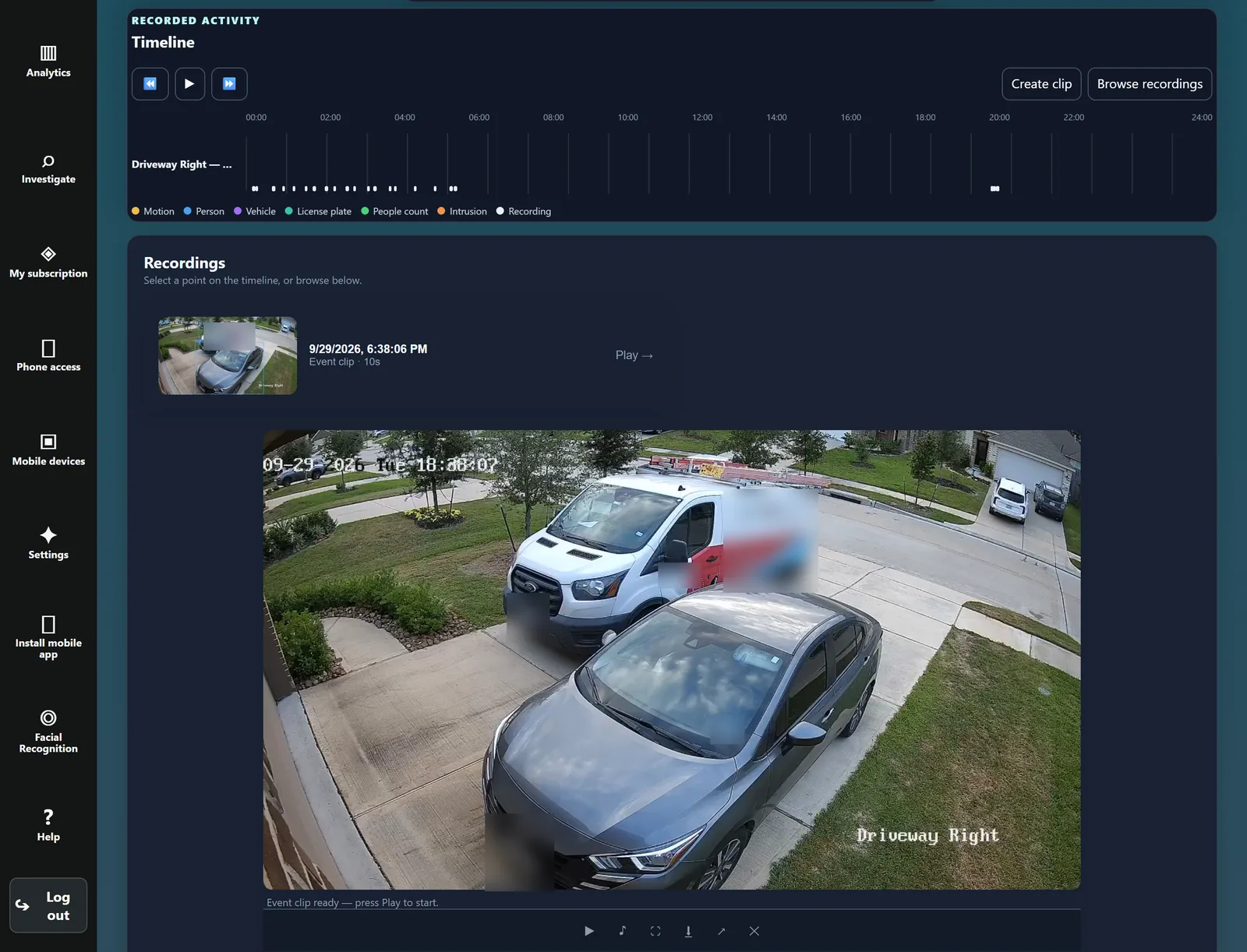
The website sells and provisions the system. The AnyAiCam appliance performs the local camera work. That separation is important: a public website should not try to scan a customer's private LAN directly.
The always-on local system that connects to cameras, runs VMS services and stores local video according to the selected system design.
One plan covers every licensed camera, priced per camera per month (1–64 cameras). A license is not tied to one device, so a failed camera can be replaced without buying a new license.
The Hybrid plan keeps event clips and snapshots in the cloud for 14 days, in addition to local recording. Continuous cloud recording is coming soon as a separate option.
On the AnyAiCam Enterprise appliance, an authorized face match passes through an access policy and requests a door unlock. Access-control platform integrations are coming soon. See AAC Face Access →
Choose camera count, appliance sizing, recording, storage and analytics.
Stripe confirms payment server-to-server.
AnyAiCam creates the customer, site, appliance reservation and entitlements.
Customer receives the AnyAiCam appliance and connects power and network.
Activate, scan cameras, enter credentials, assign slots and finish setup.
AnyAiCam VMS is the foundation. The AAC features add an assistant you can simply ask, a visitor call at your front door, and armed security, all on the same appliance and in the same app.
Ask in everyday words and AACO opens the right camera, recording or events. Learn more →
Your front-door camera greets visitors and calls you with live video so you can answer. Learn more →
Arm Stay, Arm Away or Disarm, with urgent intrusion alarms kept apart from everyday alerts. Learn more →
Use the public system planner to choose the VMS tier and features that fit the site. Online VMS hardware checkout is not enabled on this page yet.