AnyAiCam Enterprise — Face Access
MINISFORUM AI X1 Pro-470 · $2,249.99
A higher-performance appliance tier for commercial AAC Face Access, more face cameras and larger face databases.
AAC Face Access is AnyAiCam's premium access module for entrance cameras, available now. The AnyAiCam Enterprise appliance performs local face recognition, checks whether the enrolled person is authorized for that door and time, then unlocks the door through the Numato relay. Integrations with access-control platforms such as Brivo and Avigilon are coming soon.
The face match itself is only one part of the decision. AnyAiCam should also verify enrollment, confidence, door assignment, schedule and access policy before an unlock request is sent. Liveness (anti-spoofing) checks are coming soon.
This third-party Akuvox intercom demonstration shows the customer experience AnyAiCam is designing toward: a person approaches the entrance, facial recognition verifies identity, and an authorized access workflow can release the door.
Example only: this video demonstrates an industry face-recognition intercom. It is not an AnyAiCam product demo and does not represent a validated AnyAiCam hardware integration.
For homes, the AnyAiCam Residential VMS — Ryzen 5 ($949.99) includes front-door facial recognition for up to 5 household members. For commercial sites and larger face databases, the AnyAiCam Enterprise appliance tier provides additional processing headroom for local facial recognition while the appliance continues normal VMS, recording and camera workloads. Liveness checks and access-control platform integrations are coming soon.
MINISFORUM AI X1 Pro-470 · $2,249.99
A higher-performance appliance tier for commercial AAC Face Access, more face cameras and larger face databases.
Entrance-camera frames can be evaluated locally so routine face matching does not depend on a public website or continuous cloud round trips.
Face Access is licensed separately, so you pay only for the entrances that use it.
AnyAiCam does not need to replace the customer's access-control platform. Instead, a provider adapter can translate an approved AnyAiCam unlock decision into that vendor's documented unlock-door API call. Platforms such as Brivo, Avigilon and other enterprise systems would only be offered after the specific API/integration is validated; brand names here are examples, not a compatibility claim.
An authorized administrator enters the provider/API credential in a protected AnyAiCam setup screen after purchase. The credential should never be embedded in public HTML, JavaScript or an activation code.
The administrator links a camera and an access-control door, for example Front Entrance Camera → Main Lobby Door.
When policy passes, AnyAiCam calls the supported provider adapter with the minimum information required to unlock that specific door.
For an entrance camera linked to a door, the customer should not have to jump between unrelated screens. The camera card can surface door status and the actions the signed-in user is permitted to perform.
A door-unlock icon appears on the camera card only when that camera has a configured door relationship and the signed-in user has manual-unlock permission.
The card can show whether Face Access is active, paused or unavailable for that entrance without exposing biometric details.
Manual unlocks and recognition-based unlocks should record who/what triggered the action, which door was requested, the provider response and the timestamp.
Connect the AnyAiCam Enterprise appliance and discover/commission cameras.
Authorize a supported access-control API integration.
Link the entrance camera to the correct provider door.
Create authorized face templates and access schedules.
Test policy, manual unlock and automatic recognition before enabling live use.
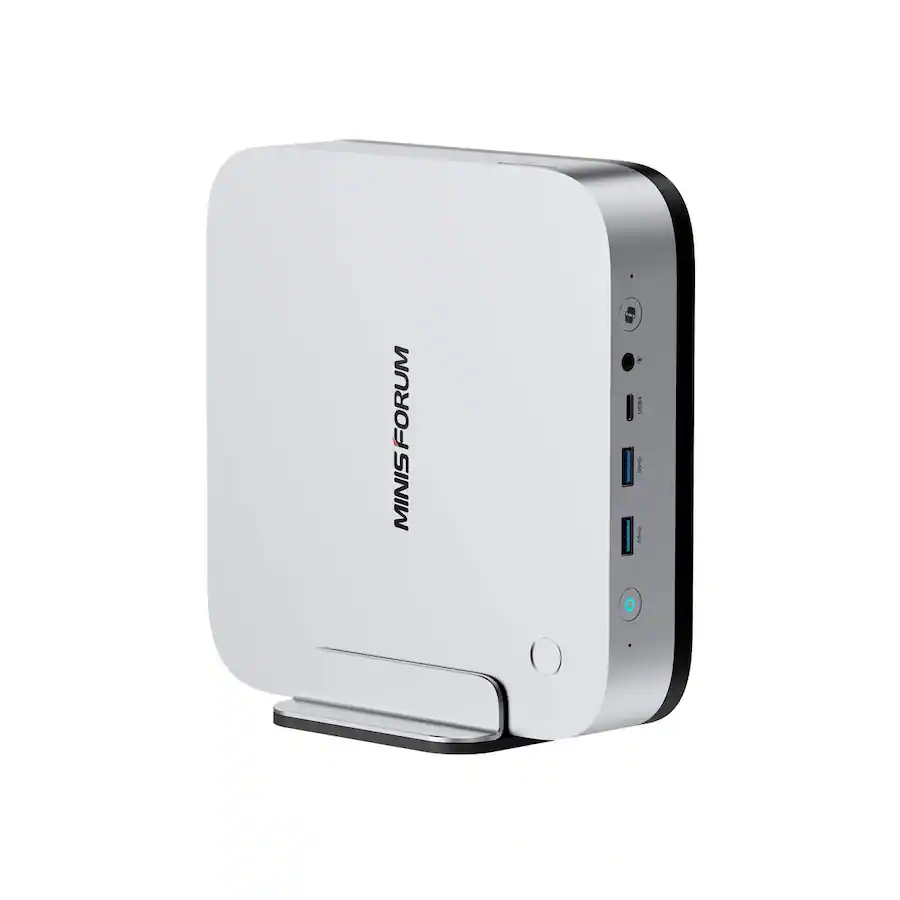
MINISFORUM AI X1 Pro-470 · $2,249.99
The dedicated AAC appliance runs the local face-detection/matching pipeline and access-policy decision, then requests the door unlock (access-control platform integrations coming soon). Final supported recognition-camera count will be based on AnyAiCam production benchmarks.
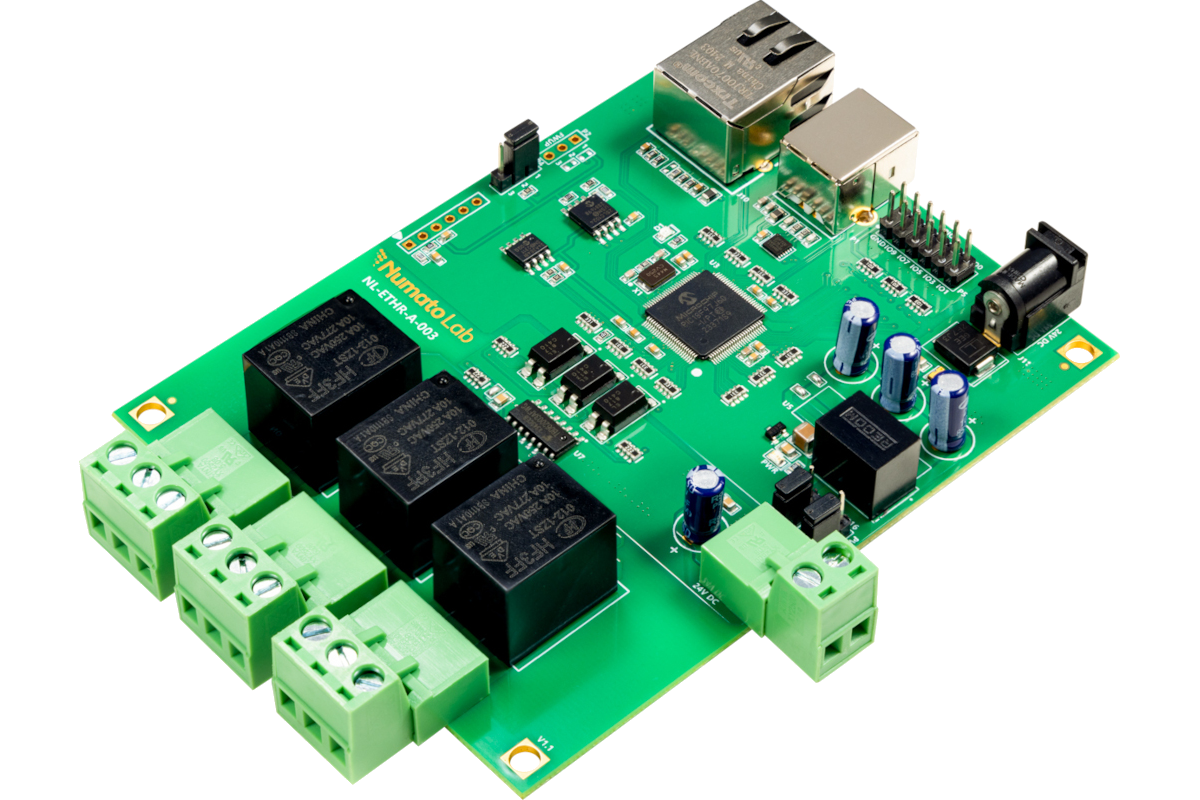
$149.99
The local door-control interface for AAC Face Access: dry-contact outputs that trigger a door or gate. It can also be used on its own, without face recognition. A compatible reader/intercom/controller and appropriate access-control power/lock hardware remain part of the door installation.
The system planner distinguishes the two VMS Edge appliances from the AnyAiCam Enterprise appliance and includes Numato relay door control.