Local network access
A public cloud website cannot safely scan a customer's private camera network. The AnyAiCam appliance can perform discovery from inside the site.
The AnyAiCam appliance sits on the same customer network as the cameras. It is the component that can discover local cameras, maintain camera connections, record locally and run the site-level VMS services.
A public cloud website cannot safely scan a customer's private camera network. The AnyAiCam appliance can perform discovery from inside the site.
Core video recording can continue locally even when optional internet/cloud services are temporarily unavailable, subject to the configured system design.
The customer receives a prepared device, connects it to the network, activates it and completes camera discovery instead of building a VMS server from scratch.
Verified checkout creates the authoritative order.
Customer/site and purchased entitlements are provisioned.
A device is assigned to the order before fulfillment.
The appliance knows which customer/site and camera slots it may activate.
The customer receives the prepared appliance and setup instructions.
Commercial sites that purchase AAC Face Access (for homes, the AnyAiCam Residential VMS — Ryzen 5 covers front-door facial recognition for up to 5 household members) would use a higher-performance Edge tier sized for local face detection, face-template matching and access-policy decisions (liveness checks coming soon) in addition to the normal VMS workload.
Keep recognition close to the cameras for lower latency and better privacy control instead of sending every face frame to a public website.
Connect the site to a supported access-control provider that exposes a documented API. Provider credentials belong in a protected server/edge secret store, never in public page JavaScript.
Associate an entrance camera with a specific door. Authorized users can see a door-unlock icon on that camera card, while recognized enrolled users can unlock through the same policy engine.
Each appliance arrives with AnyAiCam installed and a licence included. Recording storage is chosen separately. Build your system to pick cameras, storage and your appliance.
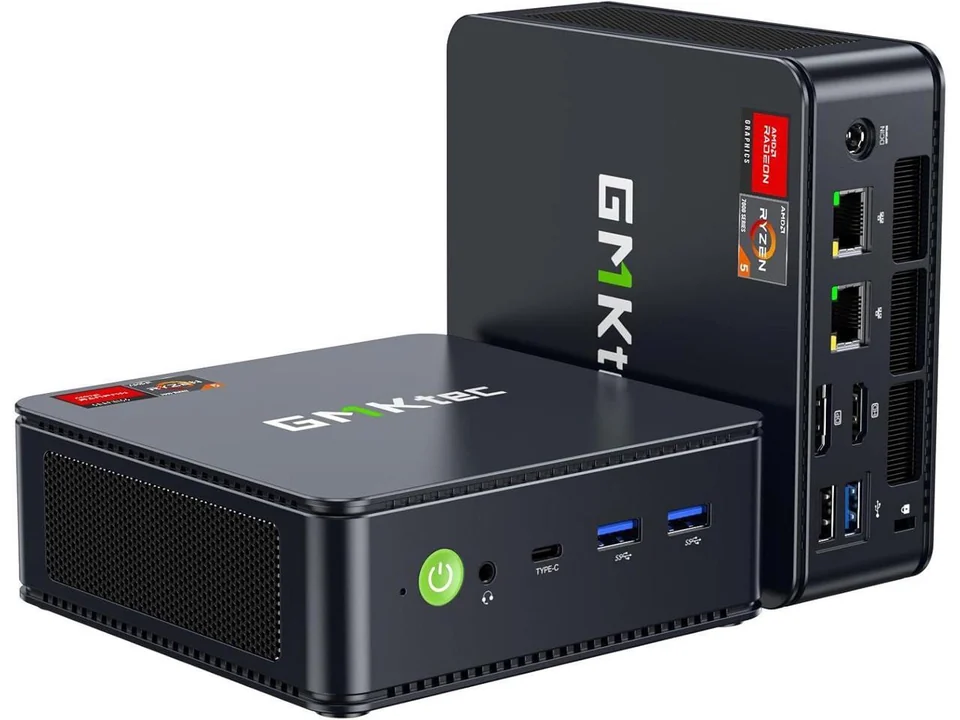
Entry-level home appliance · $949.99
For homes: live view, recording, playback, events and smart alerts, plus front-door facial recognition for up to 5 household members. Kwikset / Z-Wave smart-lock unlock is coming soon. Final camera and analytics capacity is confirmed after hardware certification.
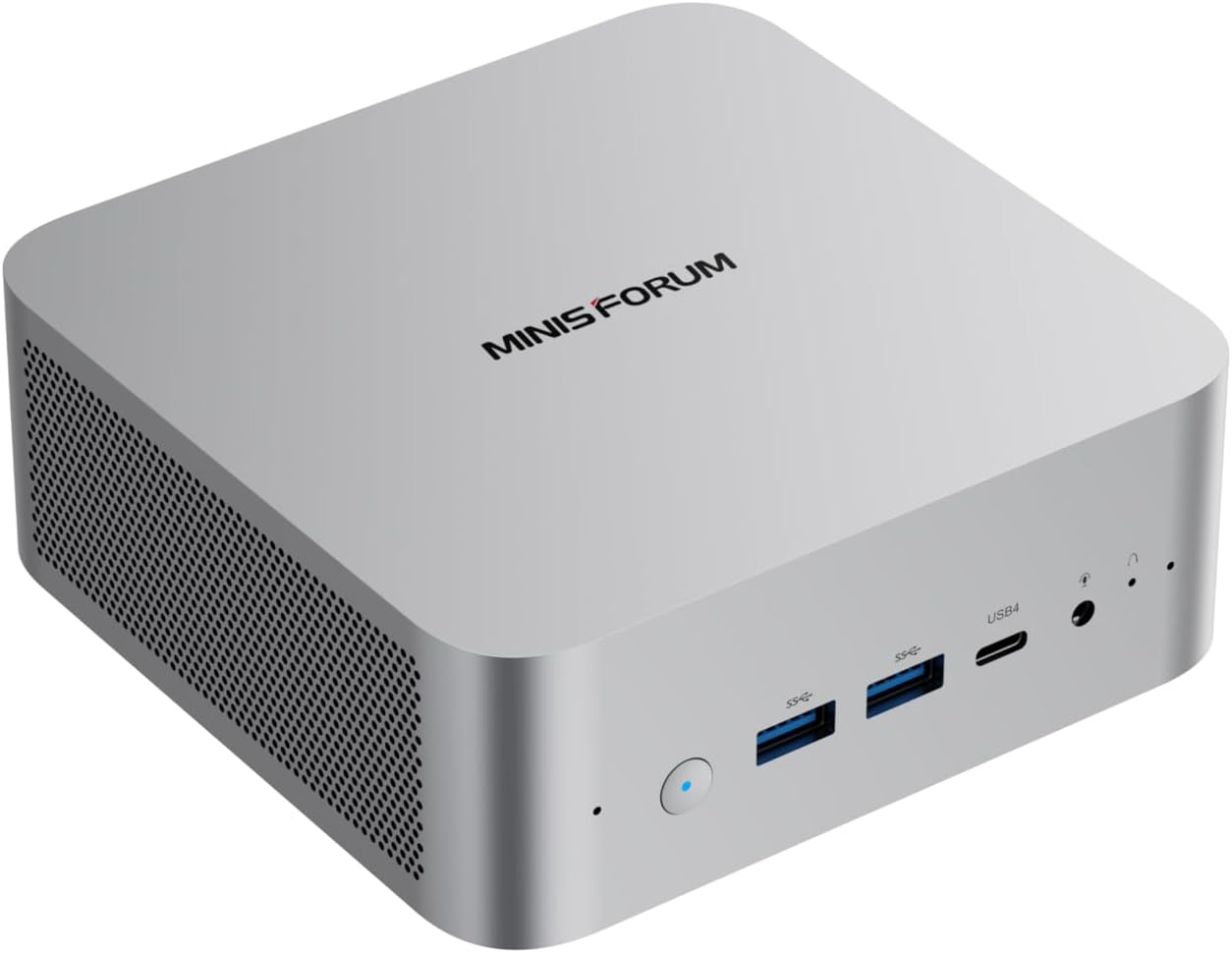
MINISFORUM AI X1-255 · Ryzen 7 255 · $1,249.99
The standard AnyAiCam VMS appliance for local recording, live view, playback and approved analytics. Use separate recording storage sized to camera bitrate and retention.
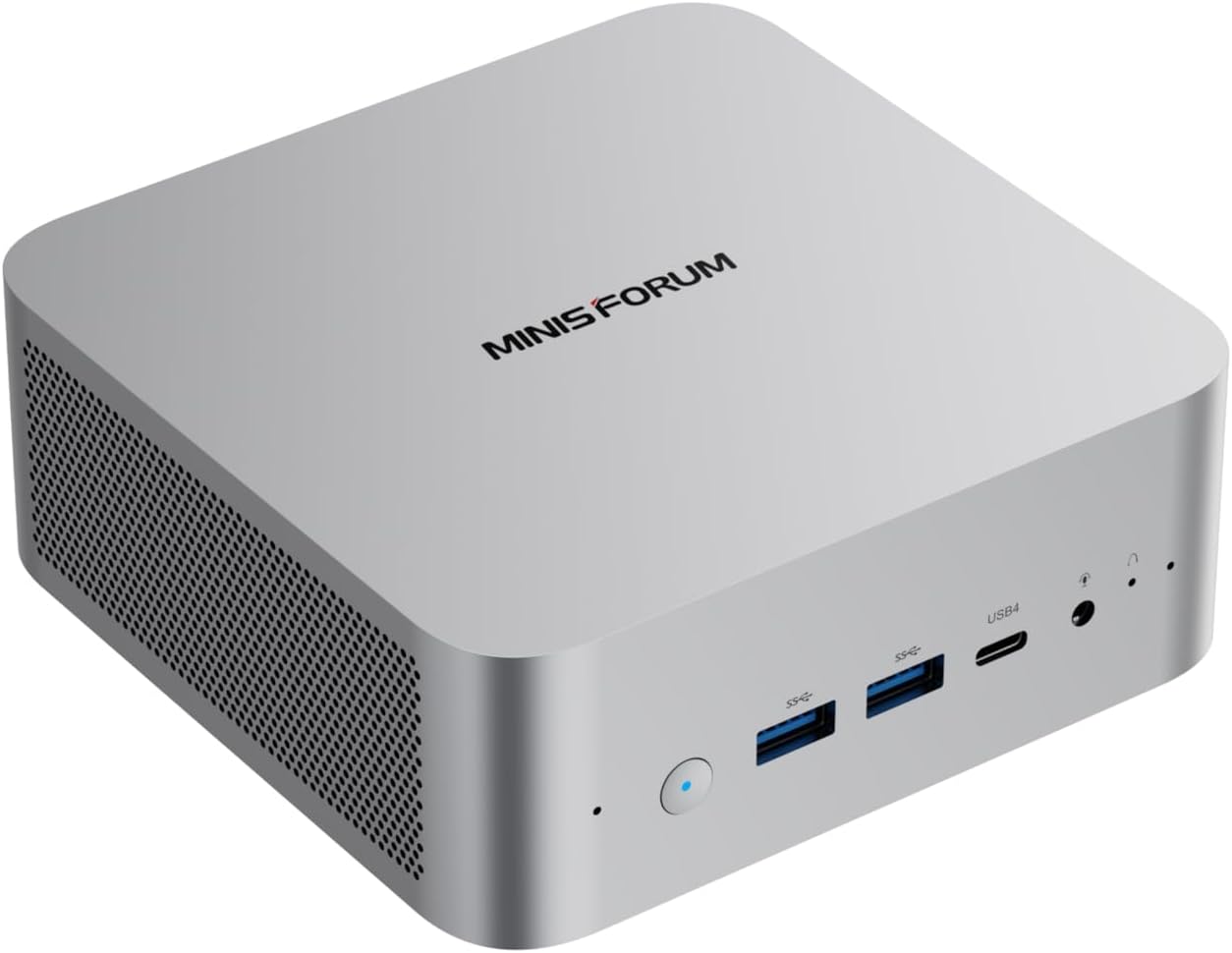
MINISFORUM AI X1 · Ryzen AI 9 HX 470 · $1,749.99
Higher-performance VMS option for heavier analytics, more concurrent workload or planned expansion. It remains a VMS appliance; commercial AAC facial recognition uses the separate AnyAiCam Enterprise appliance.
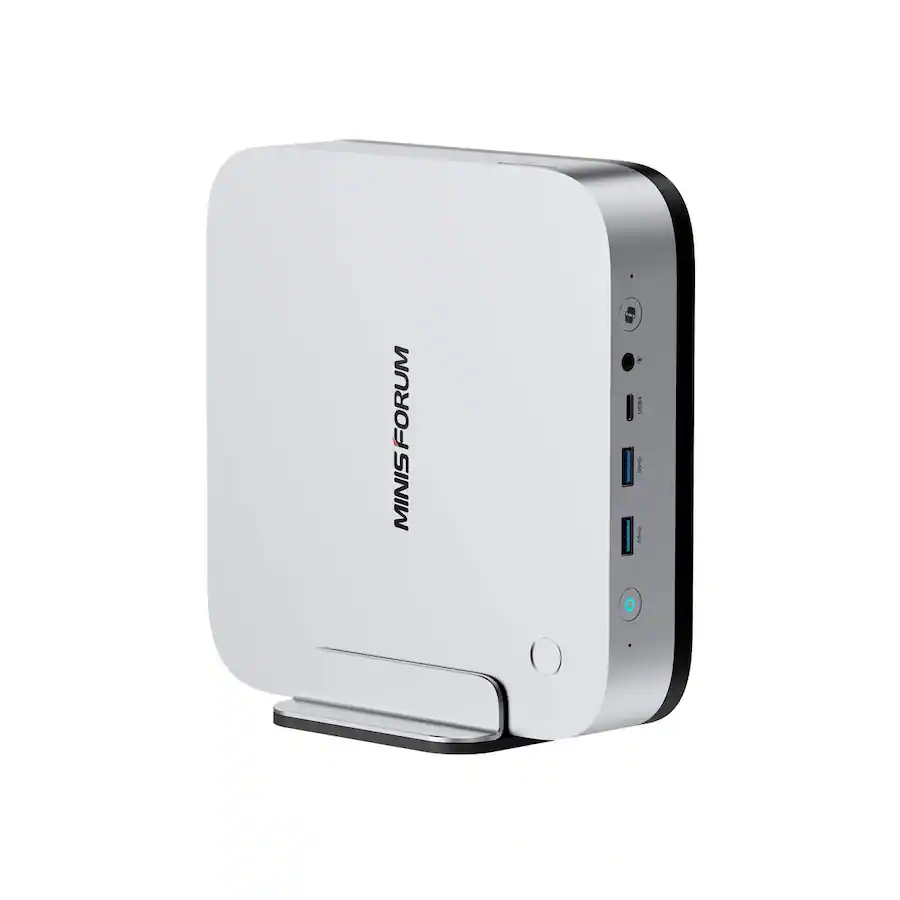
MINISFORUM AI X1 Pro-470 · $2,249.99
Higher-end local AI tier for commercial AAC Face Access, more face cameras and larger face databases. Access-control platform integrations are coming soon. Standard VMS-only customers do not need this appliance. AnyAiCam recognition and camera capacity remain subject to benchmark and thermal testing.
The system wizard will recommend the appropriate appliance tier after final product sizing rules are approved.