V1 recording-storage guide
Size recording storage separately from the appliance system SSD.
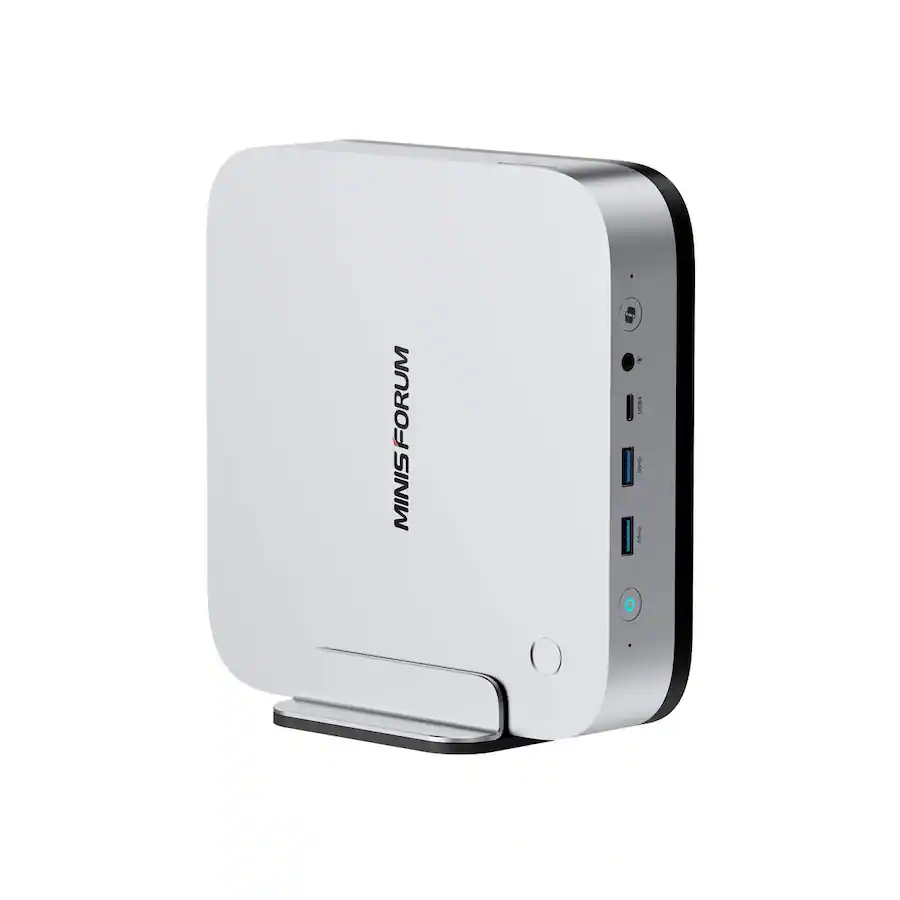
The 1 TB SSD in the sourced MINISFORUM configurations is primarily system storage for the OS, VMS, containers, logs, updates and AI software. AnyAiCam recording capacity should be selected separately.
Planning baseline: H.265, 4MP, 15 FPS, motion/event recording at approximately 25% activity. Actual retention varies with camera bitrate, scene complexity, night noise, frame rate and motion level.
| Camera count |
7 days |
14 days |
30 days |
| 4 | 1 TB | 1 TB | 2 TB |
| 8 | 1 TB | 2 TB | 4 TB |
| 16 | 2 TB | 4 TB | 8 TB |
| 32 | 4 TB | 8 TB | 16 TB |
| 64 | 8 TB | 16 TB | 32 TB |
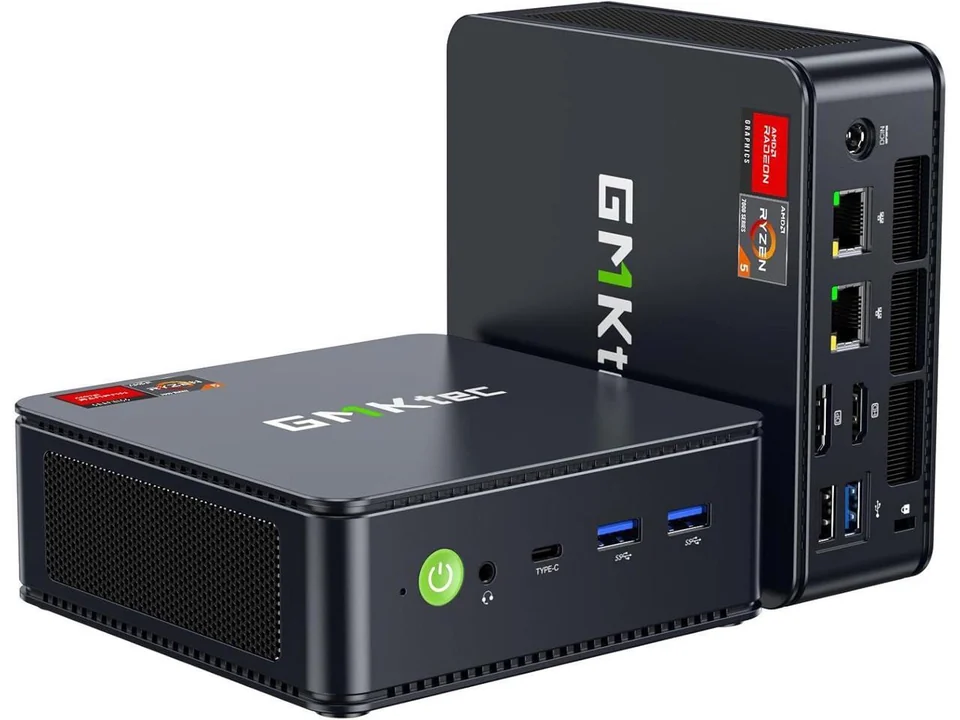
AnyAiCam Residential VMS — Ryzen 5
Entry-level home appliance · $949.99
For homes: recording storage is sized to your cameras, recording mode and retention, using the same guide as above.
AnyAiCam Starter
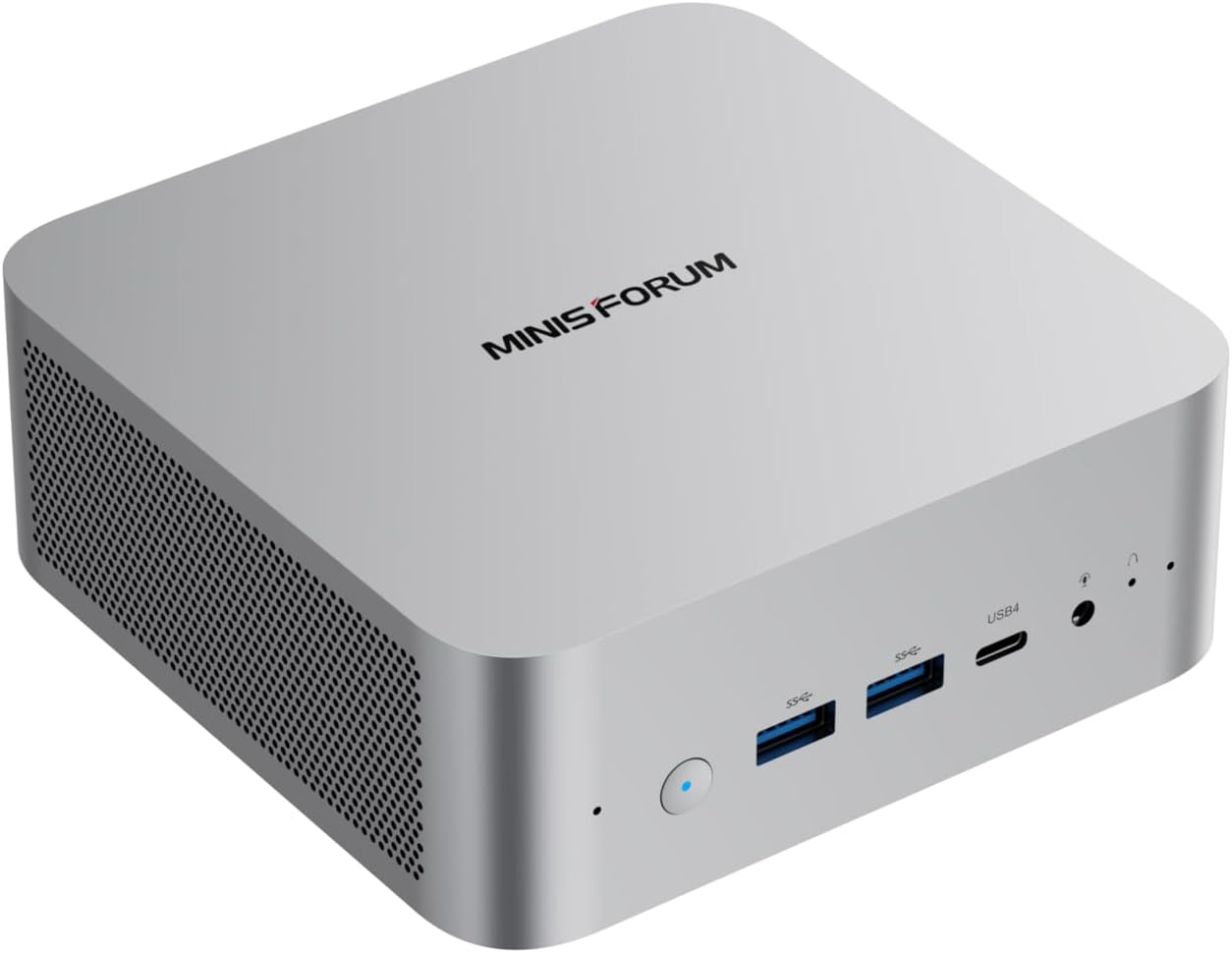
MINISFORUM AI X1-255 · Ryzen 7 255 · $1,249.99
Practical V1 approach: 1 TB system SSD plus separate 2 TB or 4 TB recording storage for smaller motion/event systems. Use larger external/NAS storage when retention or workload requires it.
AnyAiCam Professional
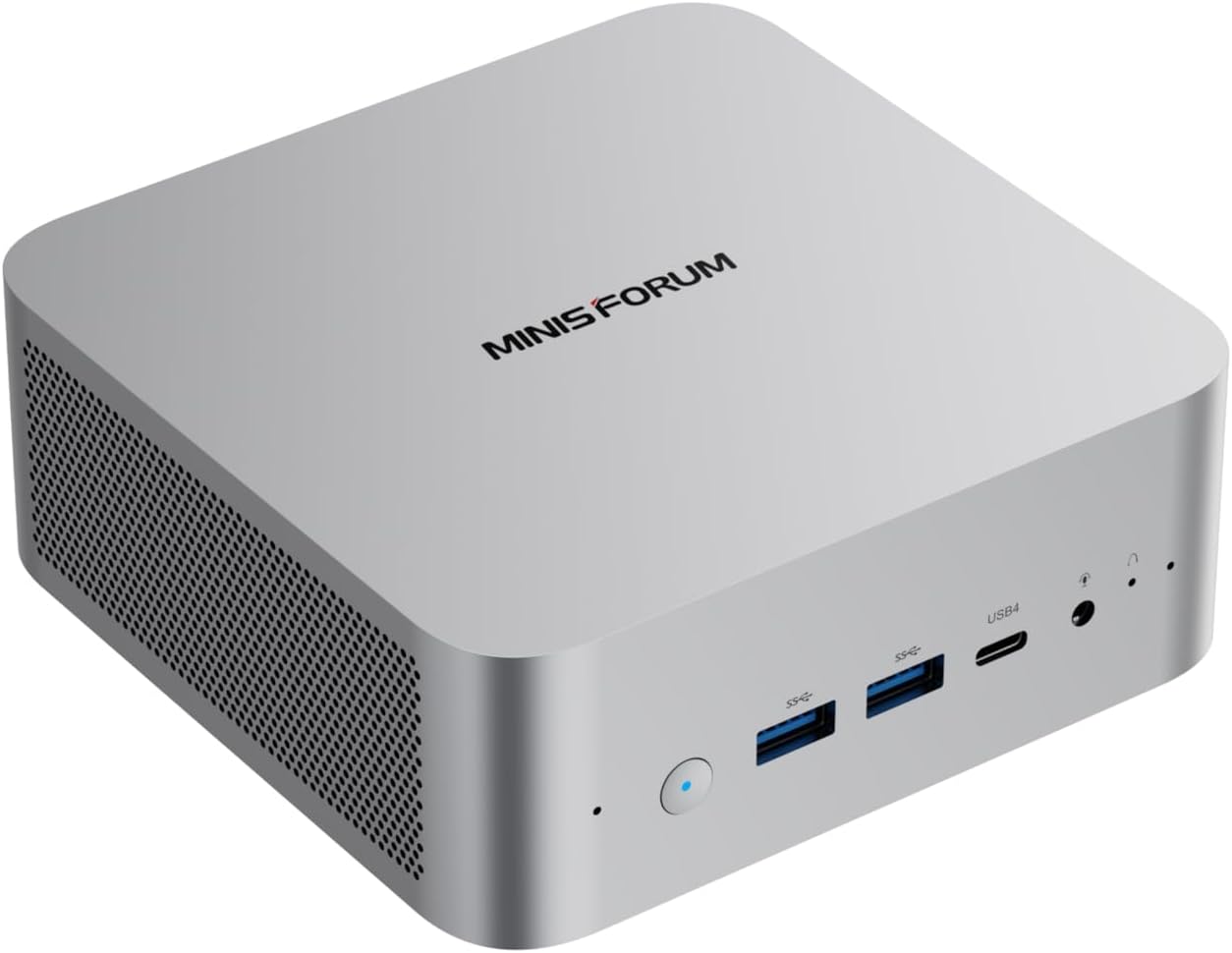
MINISFORUM AI X1 · Ryzen AI 9 HX 470 · $1,749.99
Practical V1 approach: 1 TB system SSD plus 4 TB recording storage for typical 8–16-camera motion/event designs, with external/NAS capacity for larger or longer-retention systems.
Capacity policy: do not plan to fill the recording volume completely. AnyAiCam sizing should preserve free space for retention rotation, indexes, thumbnails, temporary clips and recovery. Continuous recording and 8MP/4K cameras require substantially more storage.